Installing IDA
- reinstall
libqxcb.so
sudo apt-get install --reinstall libxcb-xinerama0
- create a [hex-rays account](https://my.hex-rays.com/login https://my.hex-rays.com/login)
- Go to the download center on dashboard and download IDA free
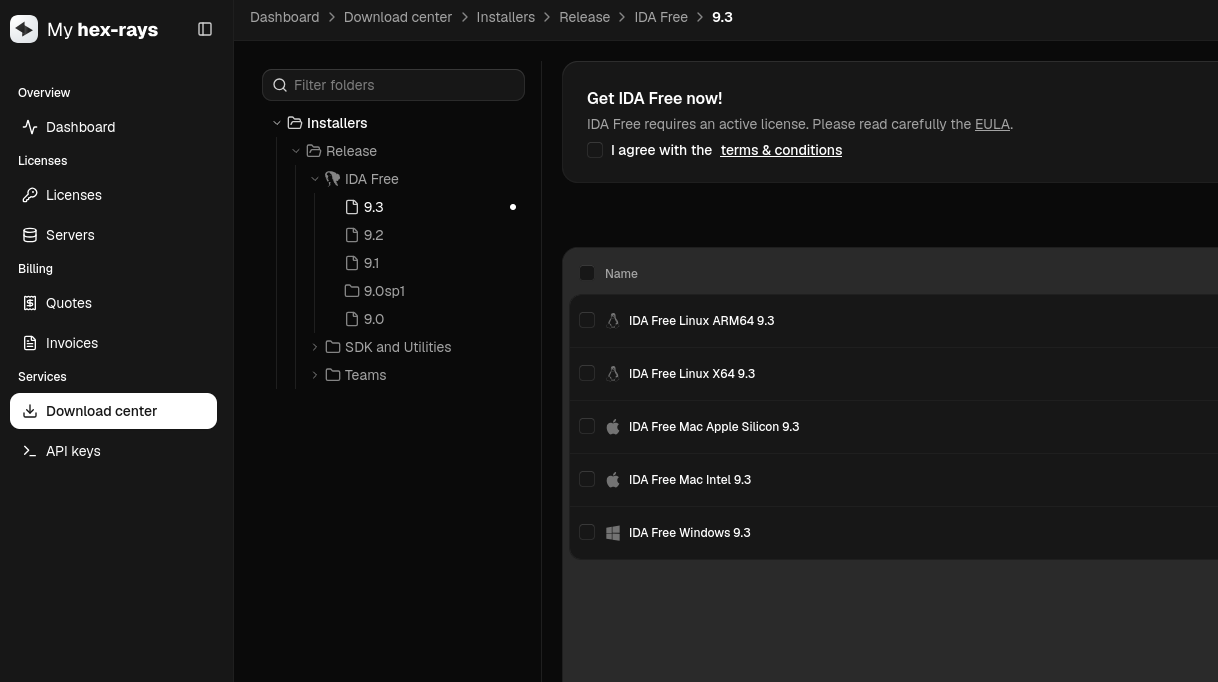
- Request the IDA-free license key
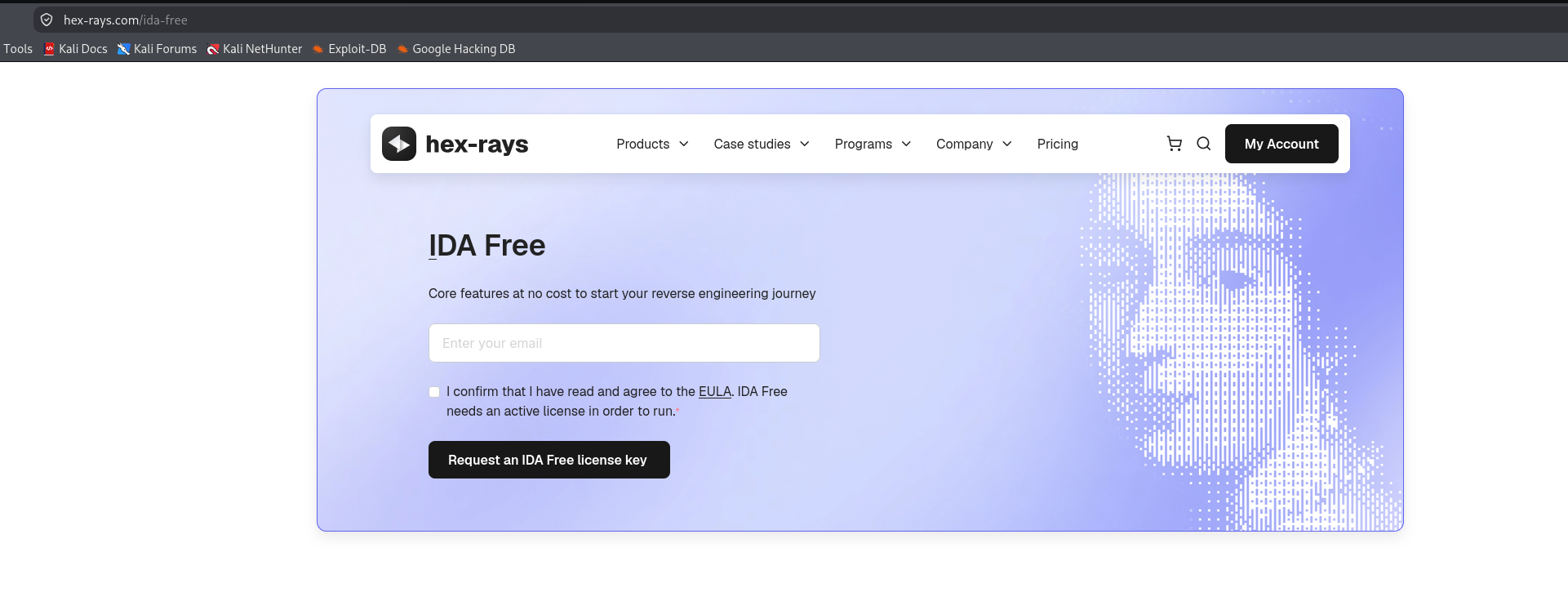
- Download the license
.hexlicfile from your dashboard. - Once you’ve installed it, copy the
.hexlicfile into IDA’s installation directory or feed it after running the tool.
IDA Views
Disassembly view
IDA provides three primary modes for examining binaries:
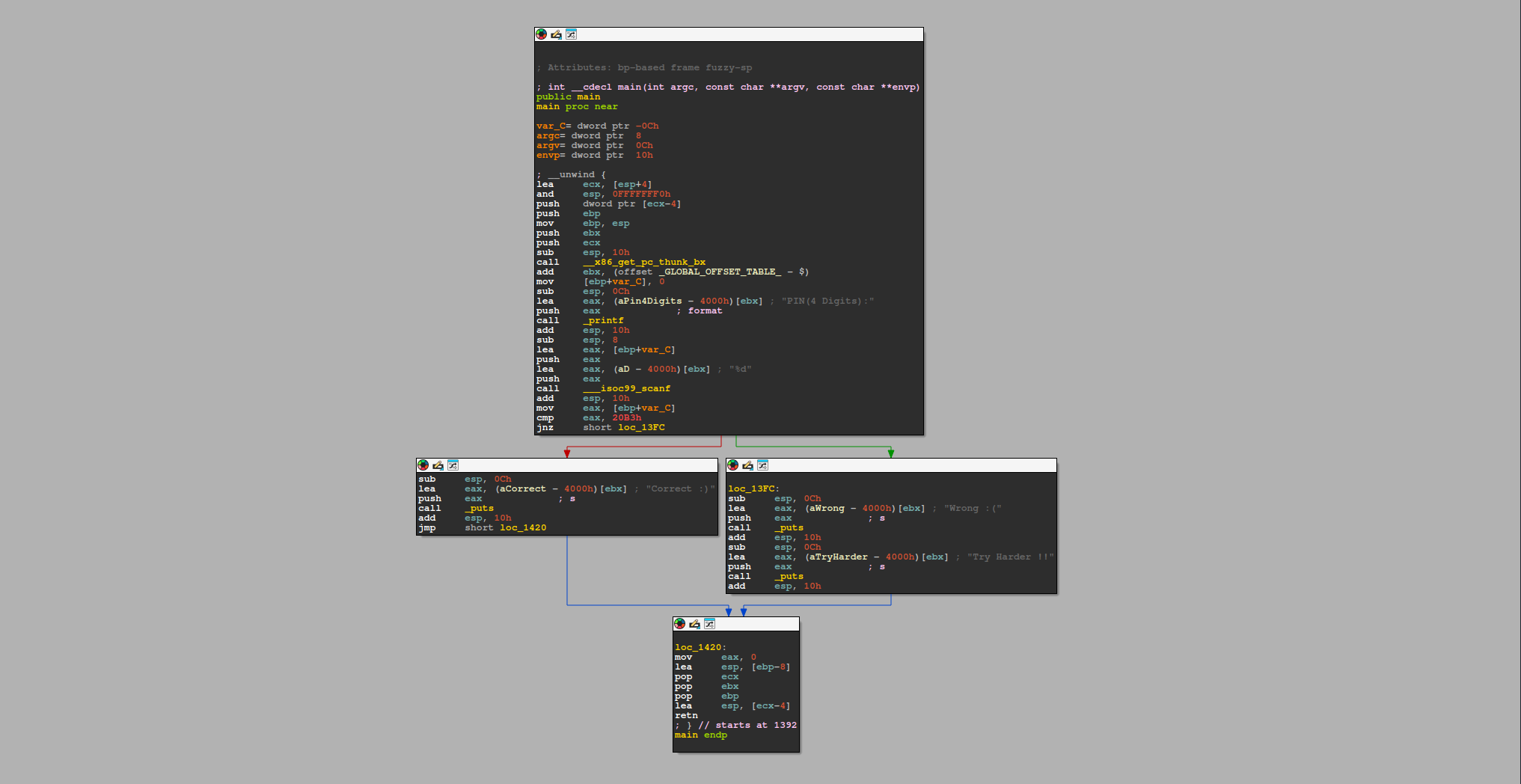
- Graph View : It is the default visualization mode when opening a binary in IDA. This layout improves control flow understanding by visually representing branches, loops, and conditional jumps as arrows between these blocks.
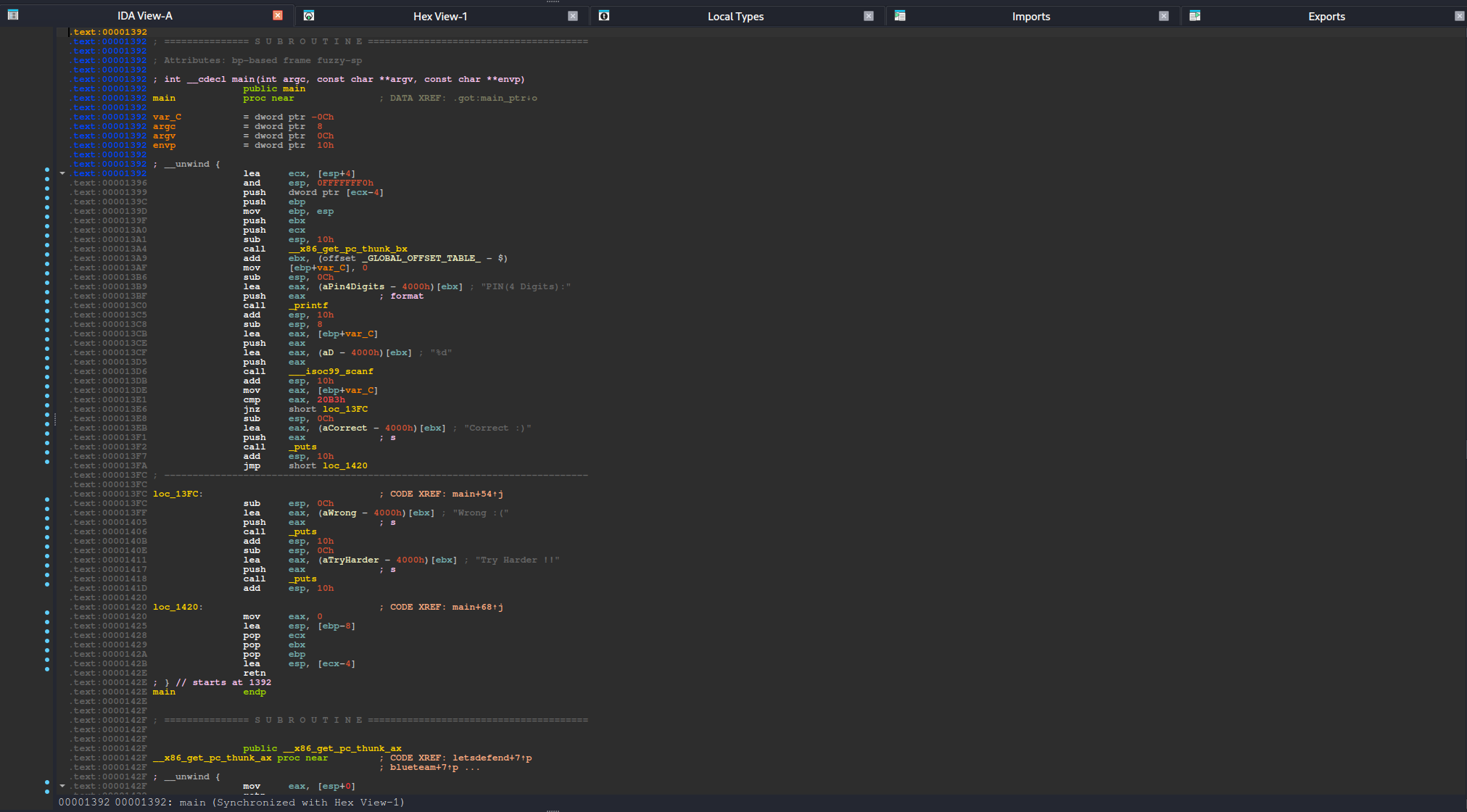
- Linear View : It organizes instructions and data according to their memory addresses, as the binary is laid out in memory.
- Proximity view : It offers a high-level visual overview of relationships between different program components, such as functions, global variables, and cross-references.
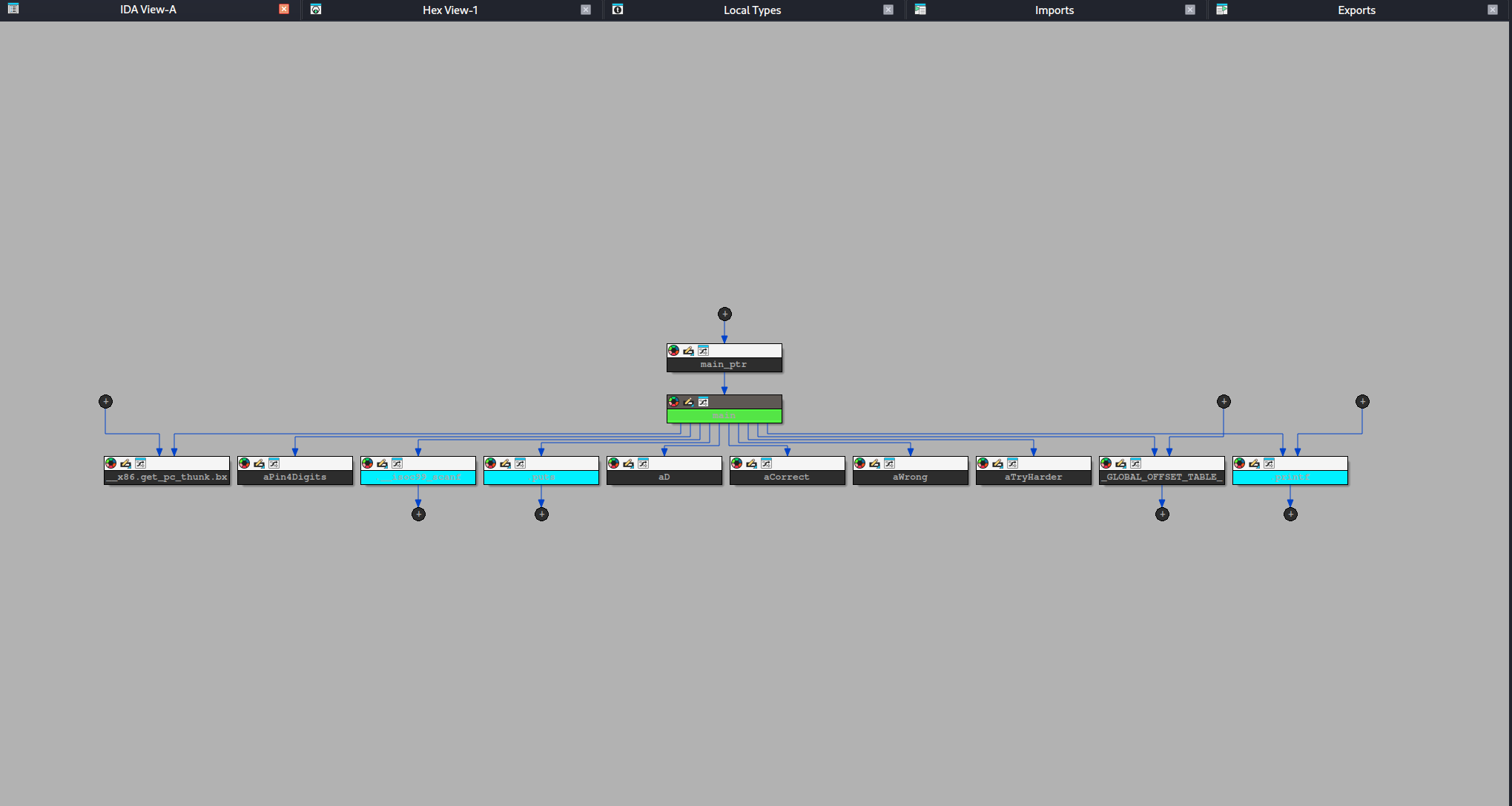
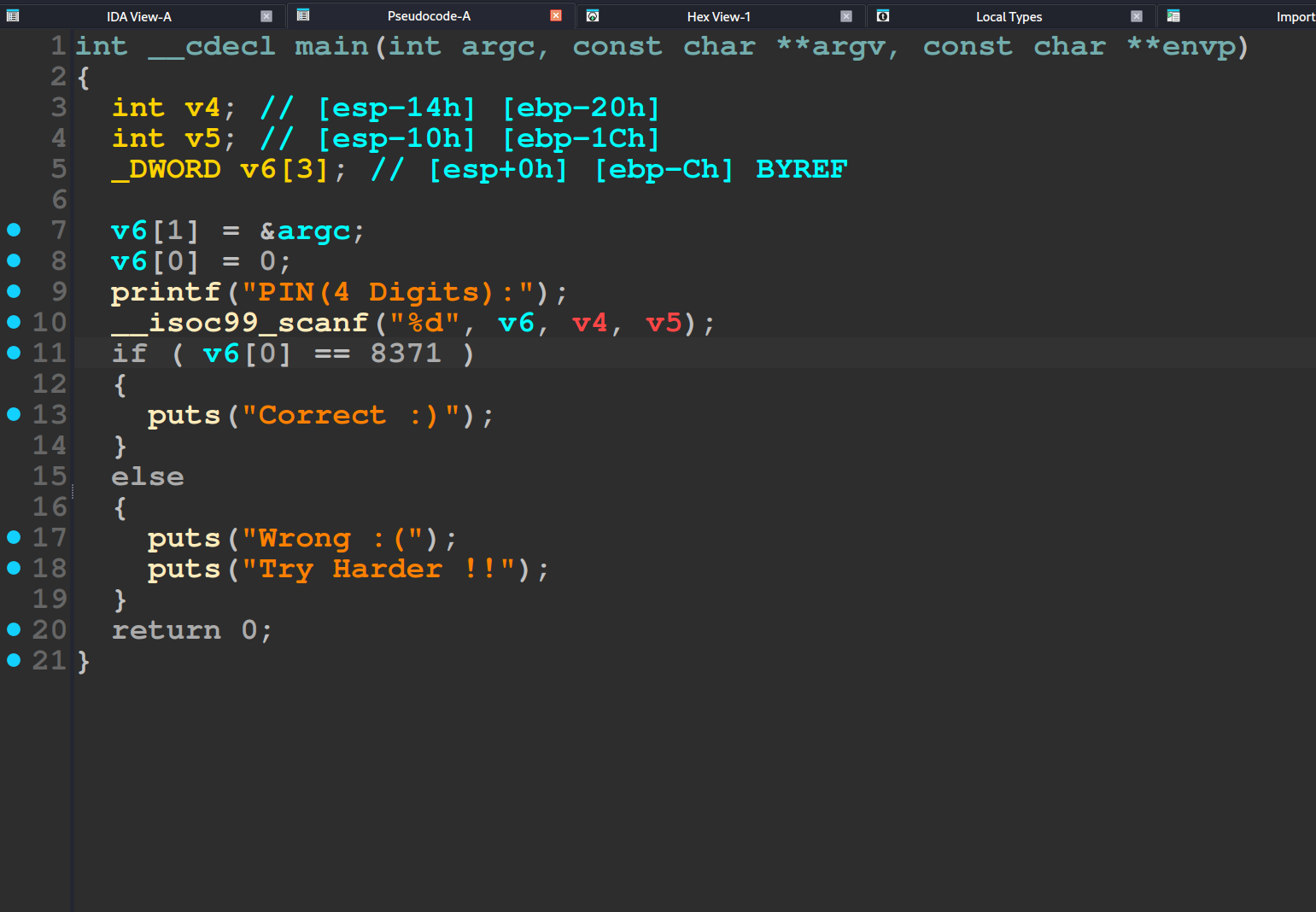
Decompiler view
It is also called pseudocode view. It shows a C like representation of assembly code, making it easier to understand logic and control structure. This view is especially helpful for beginners and for quickly identifying loops, conditions, and the overall structure of functions.
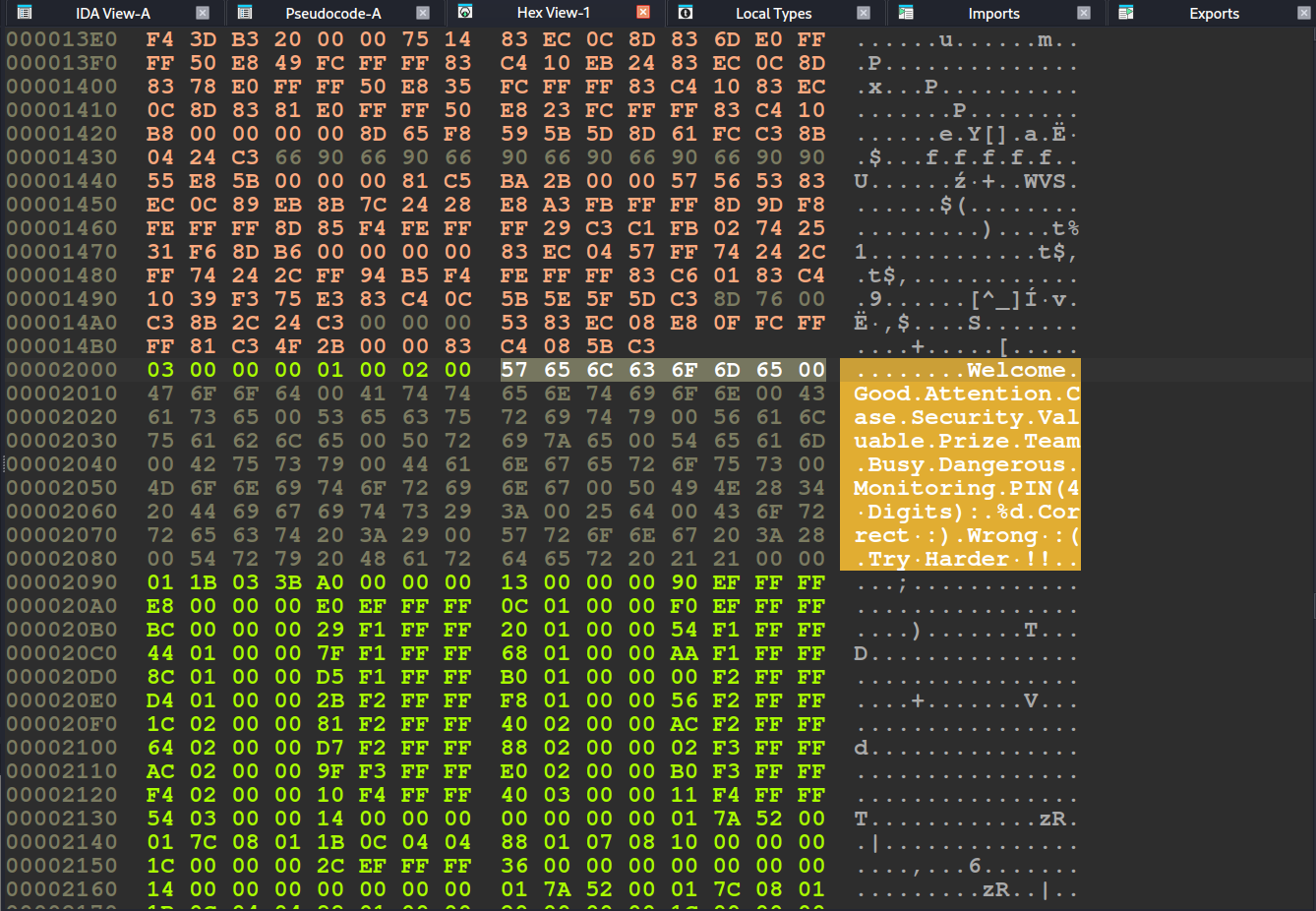
Hex view
you can view all of the program’s data. There are two highlighting modes:
Text Match Highlight:It shows matches of selected text across 3 sections.Current Item Highlight: It highlights the byte group related to the current item.
Import & Export view
Import View: Lists all functions or symbols the binary imports from external libraries (e.g., Windows DLLs or shared objects). This view helps identify API calls or library functions used.
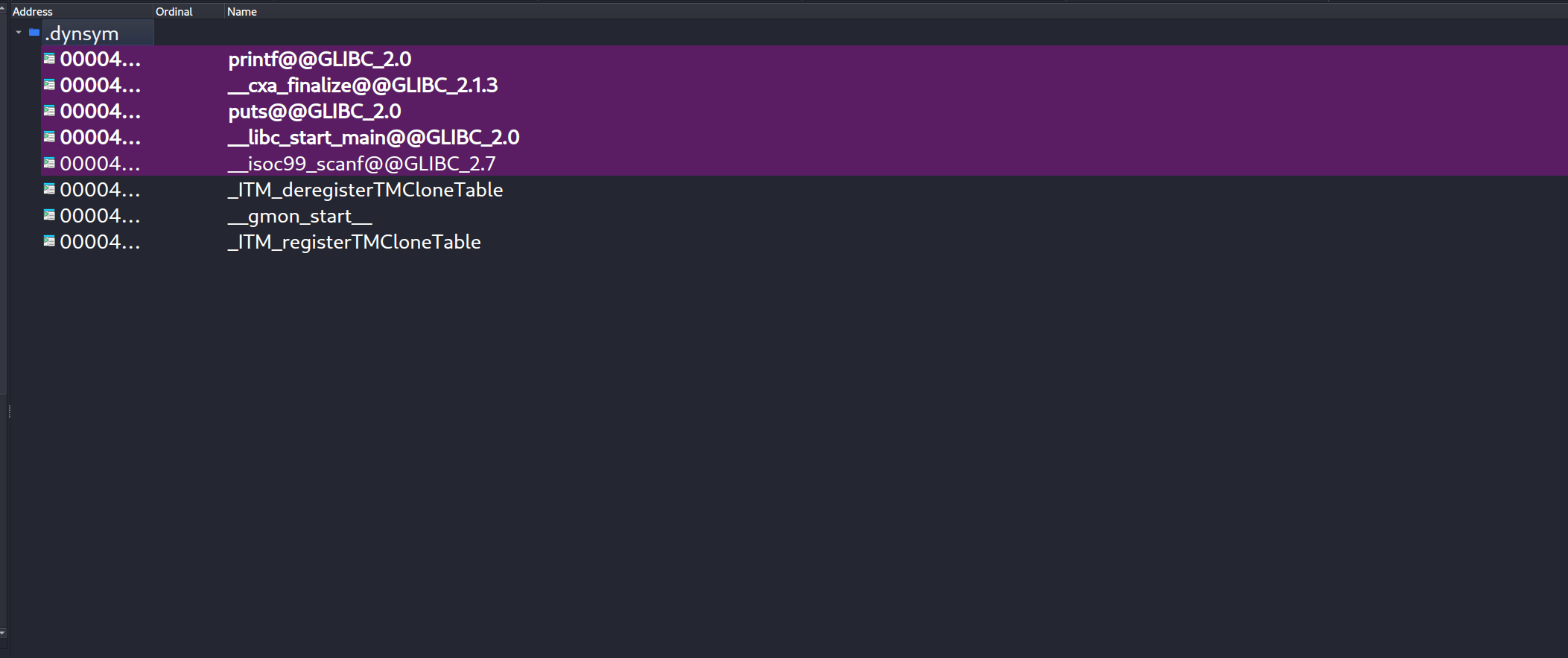
Export View: Displays functions or symbols that the binary exports for use by other programs. Common in DLLs or shared libraries that provide an Application Programming Interface (API).
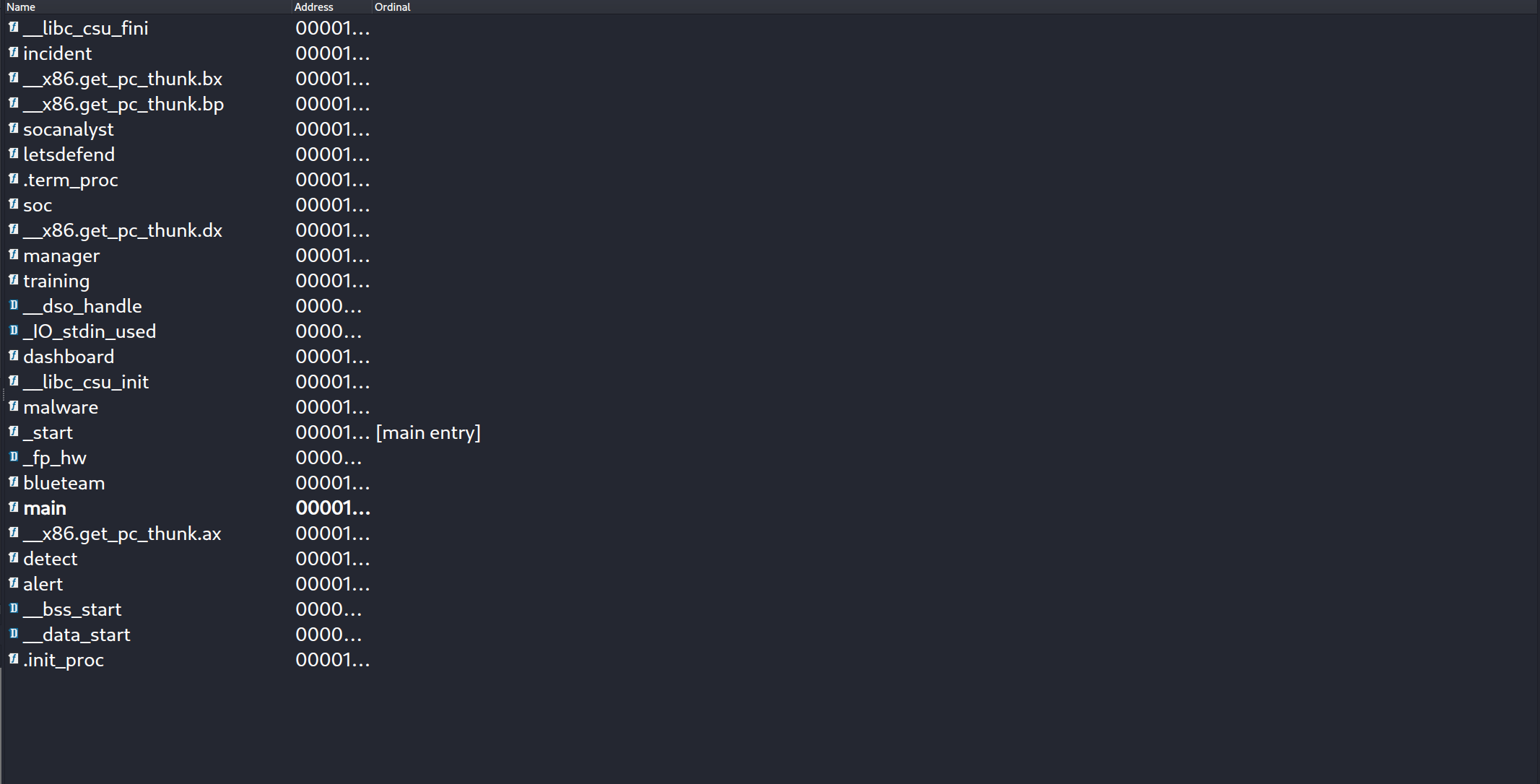
Strings View
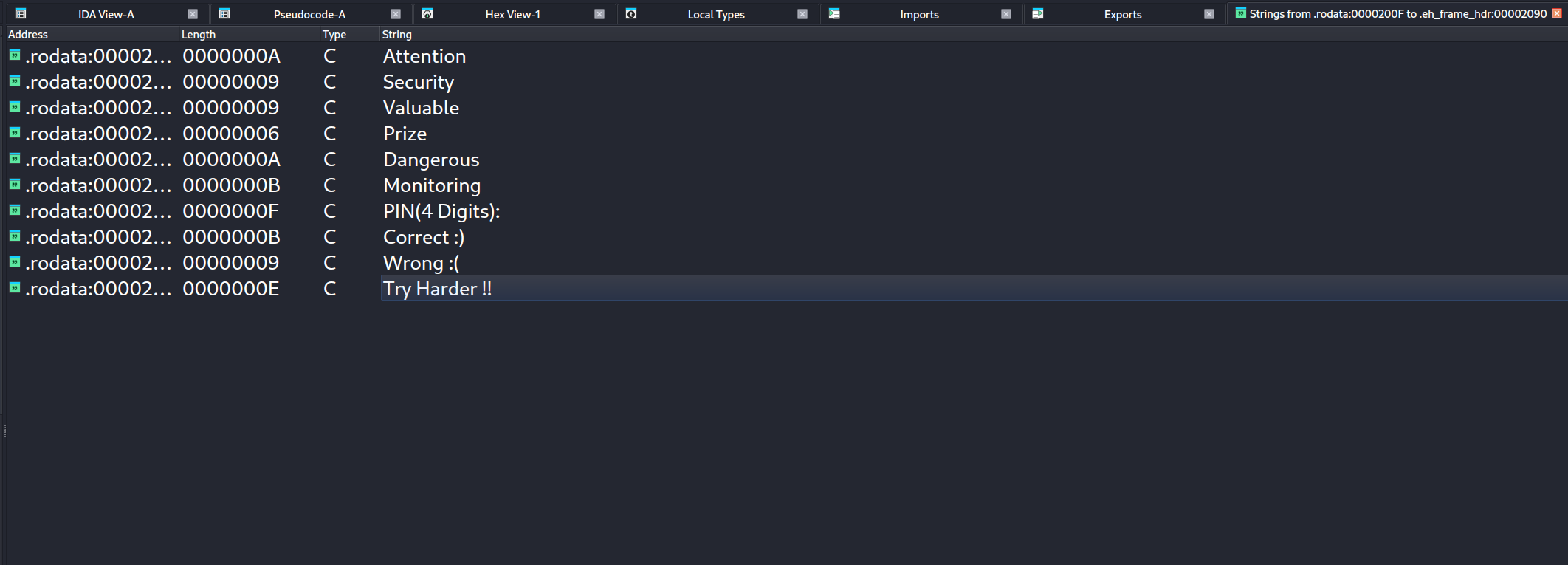
The Strings View in IDA displays all the strings detected (ASCII, Unicode, etc.) in the binary. You can use it to find hardcoded messages, file paths, function names, or hints. When combined with xrefs, you can quickly jump to code using a string, which is useful for rapidly locating key functions.
Shortcut : `Shift + F12
Cross-References
Cross-references (xrefs) indicate where a function, variable, or address is used elsewhere in the binary. they good for understanding relation between components. press x to jump around.
Data types & structures
IDA uses a C-like type system, which includes:
Structures: Aggregate data types that group multiple members.Unions: Allow overlapping of the same memory with different data types.Enums: Provide named integer constants.
Type Definitions Sources
- Built-in or custom-type libraries (til files)
- Custom types
- Debug information (e.g., PDB or DWARF)